- Cursor Pixel Privacy
Cursor Pixel Privacy Policy | Chrome Extension
This Privacy Policy applies to Cursor Pixel - Custom Cursor, a Chrome browser extension that lets you replace your default mouse pointer with pixel-style custom cursors. For privacy questions, contact us at [email protected].


About Cursor Pixel
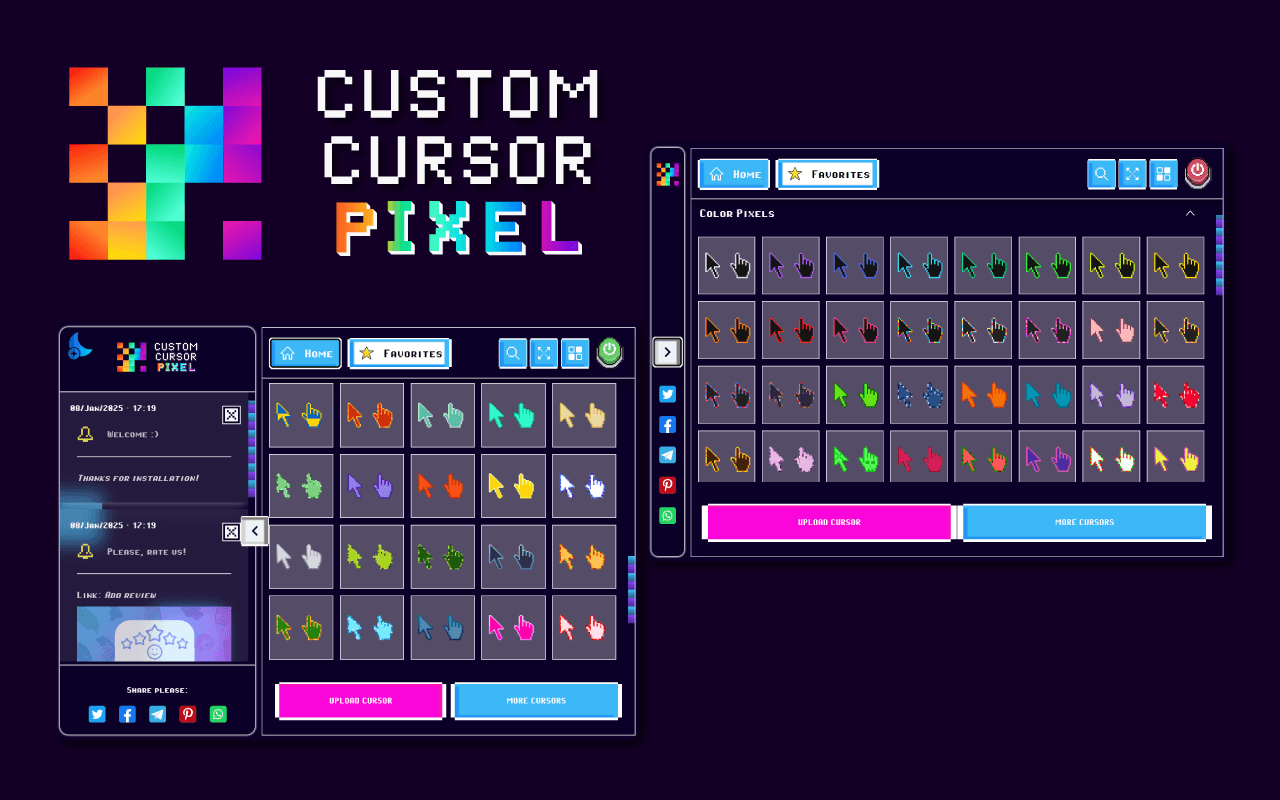
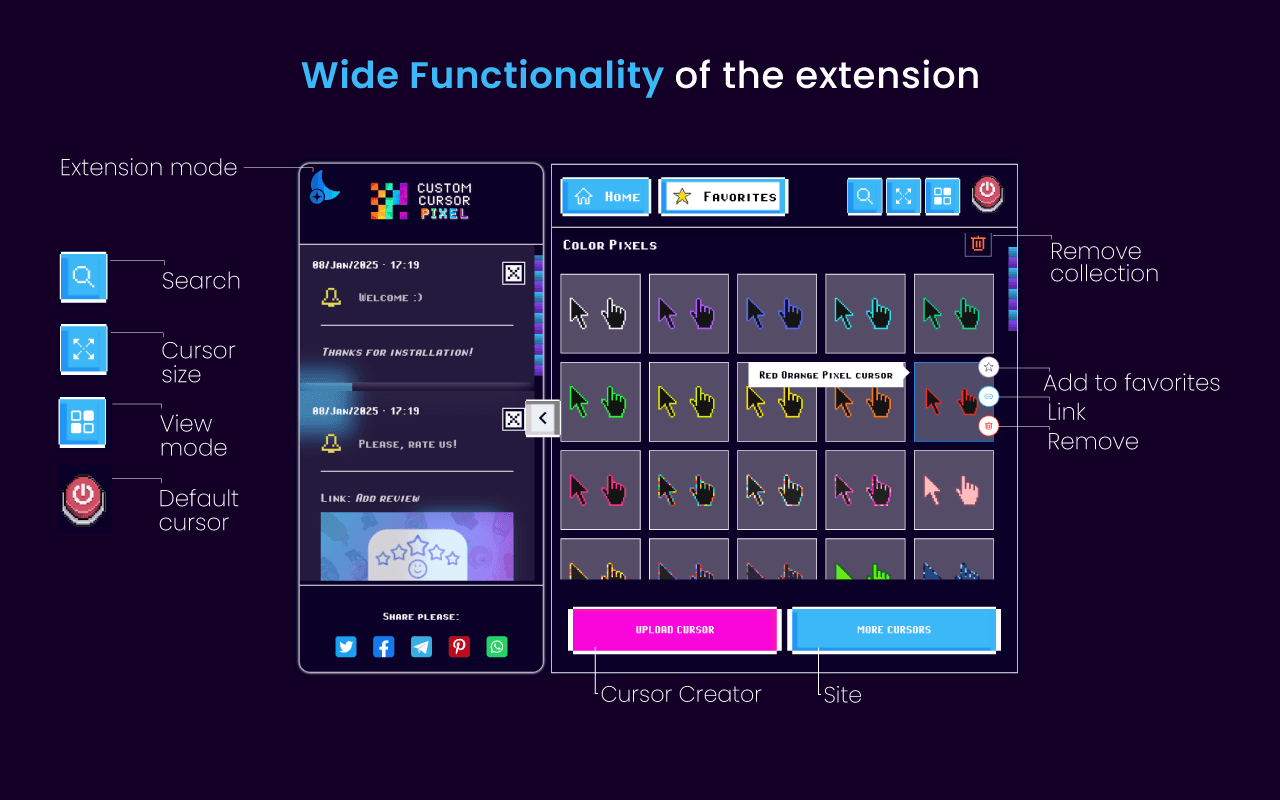
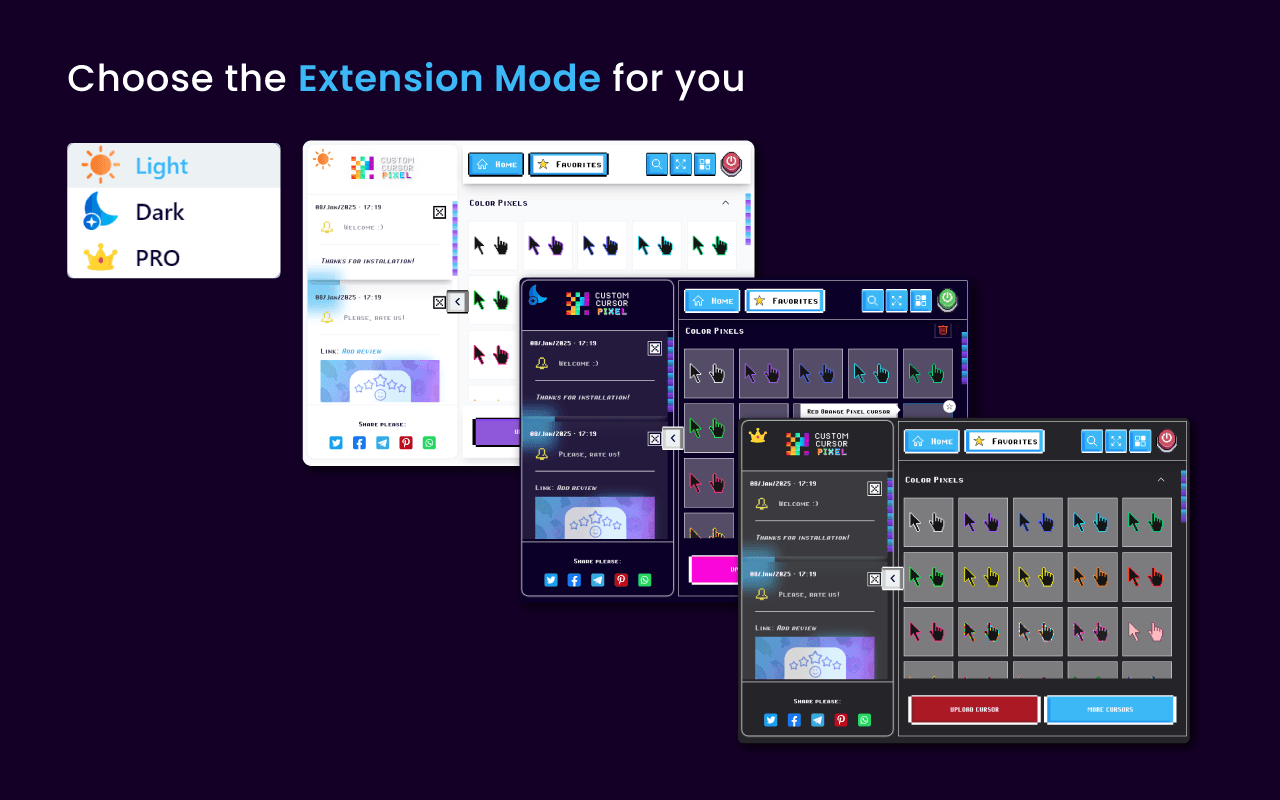
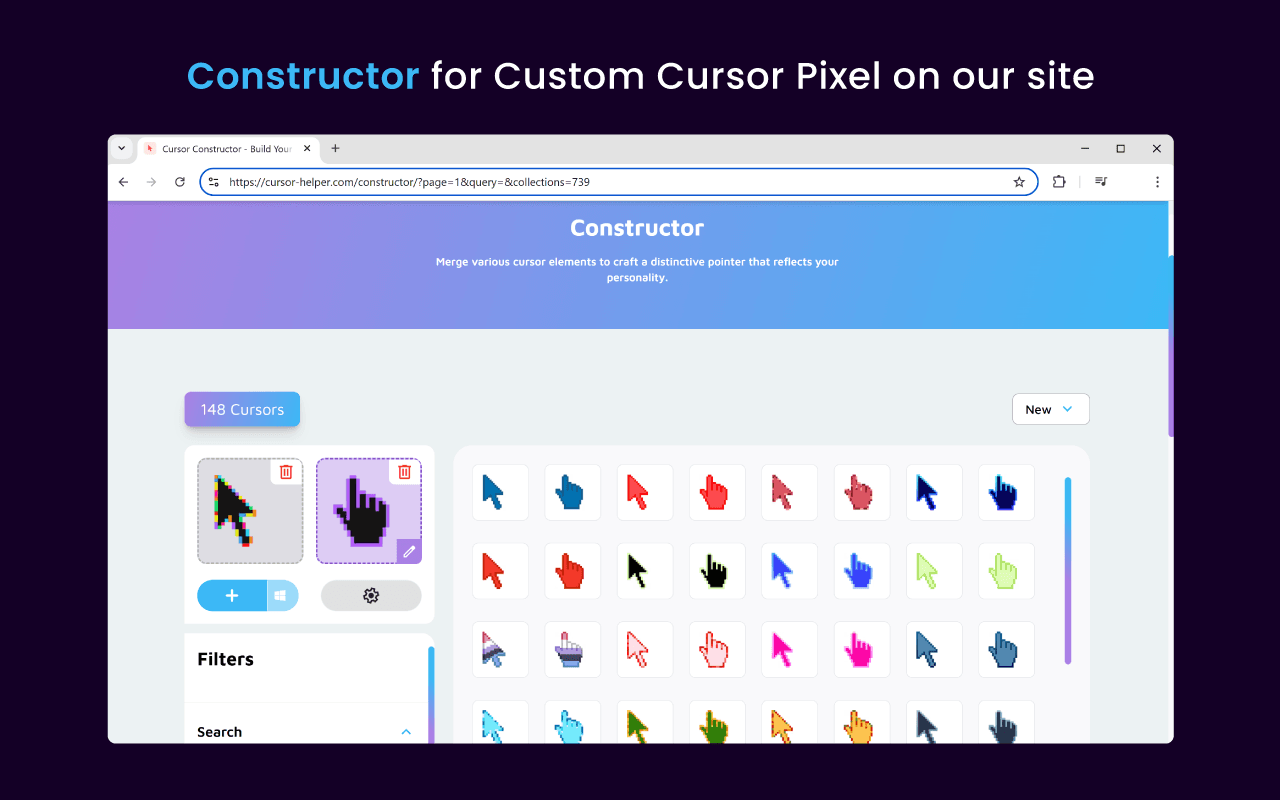
Cursor Pixel - Custom Cursor is a free Chrome extension that replaces your default mouse pointer with pixel-style custom cursors. Browse color packs, save favorites, upload your own designs, and enjoy a retro look while browsing the web. Get it on the Chrome Web Store.
Single Purpose
The sole purpose of Cursor Pixel - Custom Cursor is to replace the default browser mouse cursor with custom pixel-style cursor designs on websites. All features - including cursor selection, favorites, uploads, and notifications about new packs - exist only to support this core functionality.
Permissions & Justifications
Cursor Pixel requests only the permissions required to replace your mouse cursor, save your preferences locally, and notify you about new cursor packs. None of these permissions are used to collect personal data, track browsing history, or serve advertising.
Every permission listed below maps directly to the extension's single purpose. Host access includes any match pattern defined in the permissions and content_scripts fields of the extension manifest.
| Permission | Type | Purpose | Justification |
|---|---|---|---|
scripting | API Permission | Inject cursor styles into open tabs | Required so the extension can change the mouse cursor on web pages. |
storage | API Permission | Save selected cursors, favorites, and settings | We use storage to save user settings in our extension. |
unlimitedStorage | API Permission | Store downloaded cursor packs and uploaded files | We use storage to save user settings in our extension. |
notifications | API Permission | Alert users about newly available cursor packs | To notify users that new cursor packs have appeared. |
alarms | API Permission | Schedule background checks for new cursor packs | Alarm is used to wake up a service worker. Through alarm, a check for the presence of new cursor packs is implemented. Moving from timers to alarms. |
host_permissionscontent_scripts.matches*://*/*<all_urls> | Host Access | Apply custom cursors on websites you visit | Needed so that extension could work on all sites. |
Scripting
API PermissionManifest: permissions
Inject cursor styles into open tabs
Justification: Required so the extension can change the mouse cursor on web pages.
Storage
API PermissionManifest: permissions
Save selected cursors, favorites, and settings
Justification: We use storage to save user settings in our extension.
Unlimited Storage
API PermissionManifest: permissions
Store downloaded cursor packs and uploaded files
Justification: We use storage to save user settings in our extension.
Notifications
API PermissionManifest: permissions
Alert users about newly available cursor packs
Justification: To notify users that new cursor packs have appeared.
Alarms
API PermissionManifest: permissions
Schedule background checks for new cursor packs
Justification: Alarm is used to wake up a service worker. Through alarm, a check for the presence of new cursor packs is implemented. Moving from timers to alarms.
Host Permissions
Host AccessManifest: host_permissions, content_scripts
Apply custom cursors on websites you visit
*://*/*<all_urls>Justification: Needed so that extension could work on all sites.
Manifest summary
These are the exact permission entries declared in the Cursor Pixel extension manifest:
"permissions": [
  "scripting",
  "storage",
  "unlimitedStorage",
  "notifications",
  "alarms"
],
"host_permissions": ["*://*/*", "<all_urls>"],
"content_scripts": [{ "matches": ["<all_urls>"] }]
Remote Code
No. Cursor Pixel does not use the Remote Code permission. All extension functionality runs from code bundled within the extension package. We do not execute remotely hosted scripts or dynamically load executable code from external servers.
Data Collection & Use
Cursor Pixel is designed with privacy in mind. The extension stores your cursor preferences, favorites, and settings locally in your browser. We do not collect, sell, or transfer personal user data.
- ✓We do not sell or transfer user data to third parties, except as permitted in approved use cases required for core extension functionality.
- ✓We do not use or transfer user data for purposes unrelated to the item's core functionality or product improvement.
- ✓We do not use or transfer user data to determine creditworthiness or for lending purposes.
Data Storage
User settings, selected cursors, favorites, and uploaded cursor files are stored locally on your device using Chrome's extension storage APIs. This data remains on your device and is not transmitted to our servers for profiling or advertising purposes.
Third-Party Services
The extension may connect to our servers to fetch new cursor packs and extension updates. These requests are limited to delivering cursor content and update information. We do not use these connections to collect personal information or track your browsing activity.
Changes to This Policy
We may update this Privacy Policy from time to time. Any changes will be posted on this page with an updated revision date. Continued use of the extension after changes constitutes acceptance of the updated policy.
Contact
If you have questions about this Privacy Policy or the Cursor Pixel extension, please contact us:
Email: [email protected]
See also our general Privacy Policy for cursor-helper.com website practices.