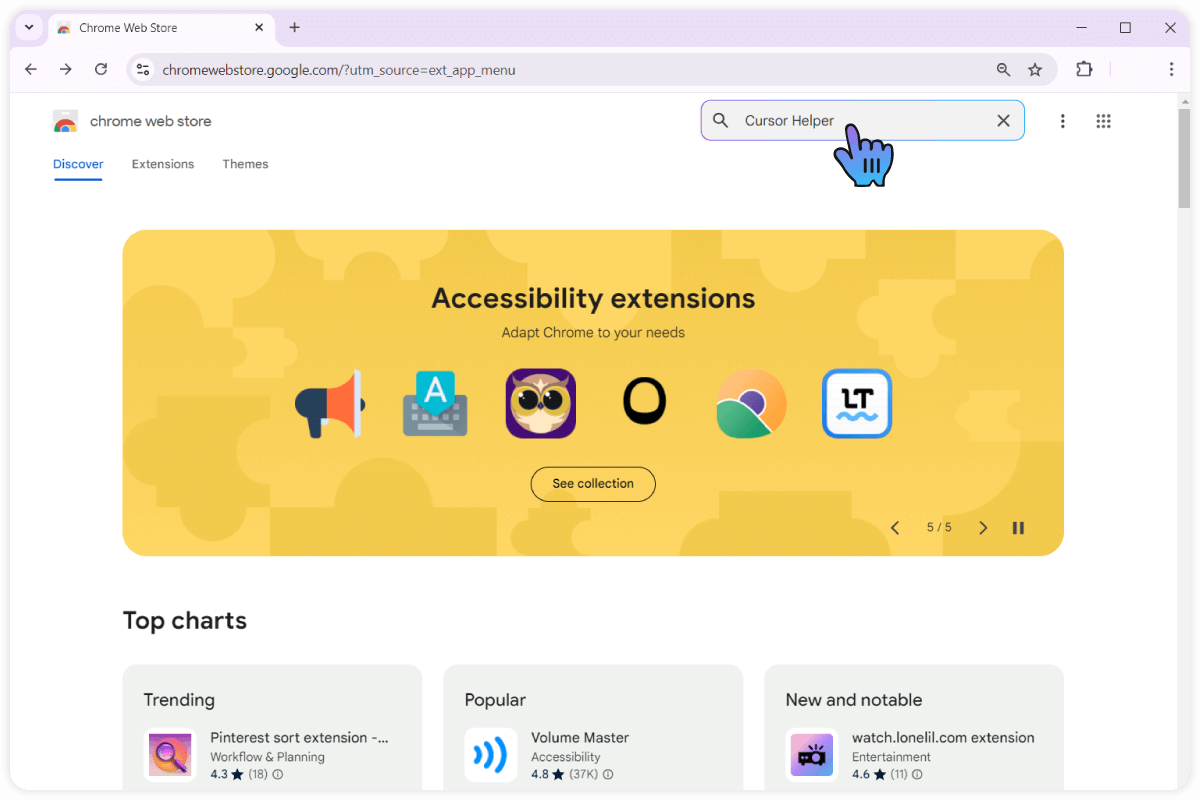
- How to rate Cursor Helper?
How to Rate Cursor Helper?
Step-by-step guide on how to rate and provide feedback for Cursor Helper.
1
1.Finding the 'Rate Us!' Button
Click the 'Rate Us!' button at the bottom left of the website or in the 'Please rate us in the store' popup on the website.
You can also add your review or comment.After that, click the 'Publish' button to submit the rating.
Thank you for your ratings, they really motivate us to work on a new style!
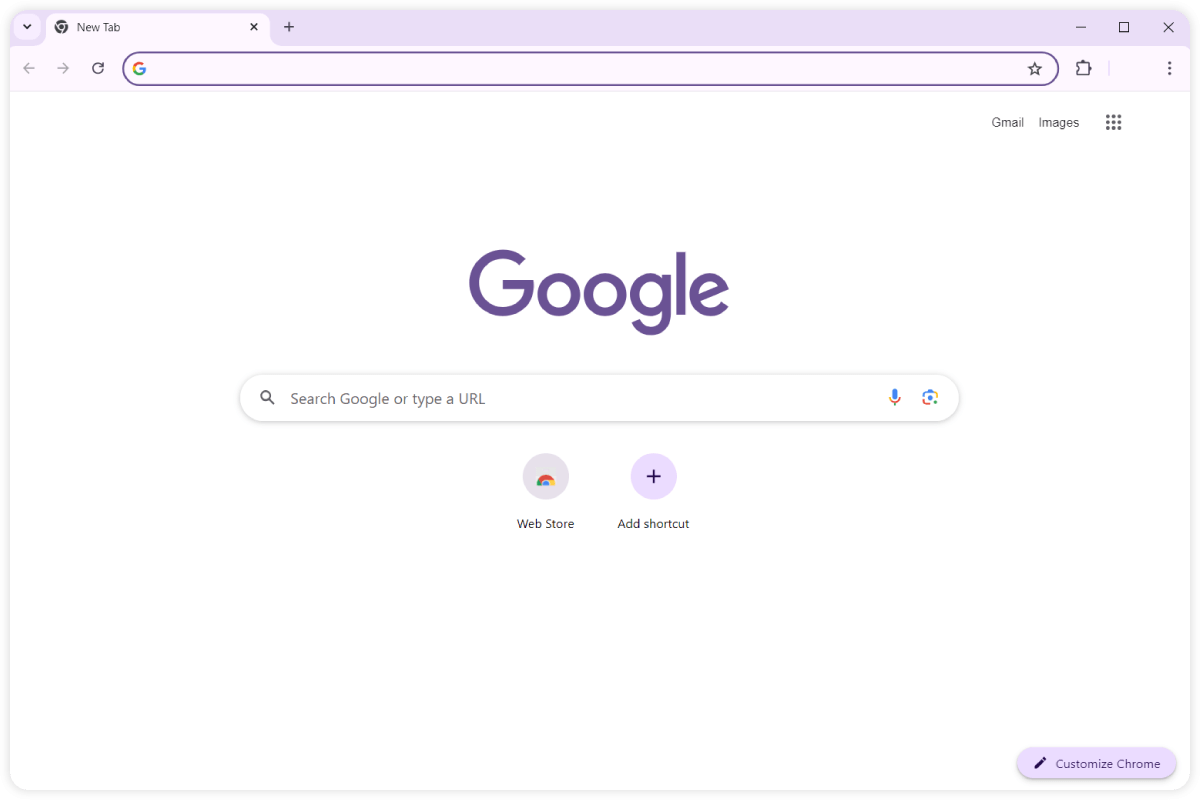
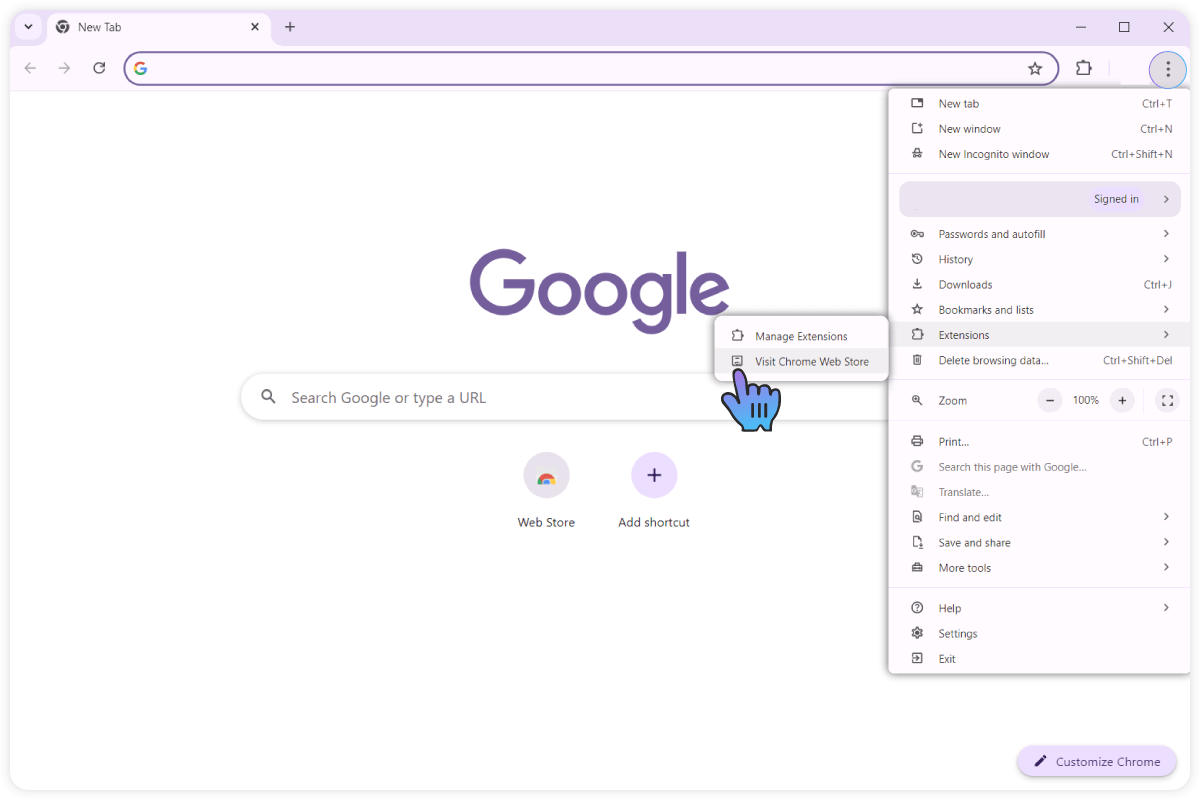
2
2.Reviewing the extension
You can also leave a review about Cursor Helper and tell us what you think about it. We would like to hear from you!